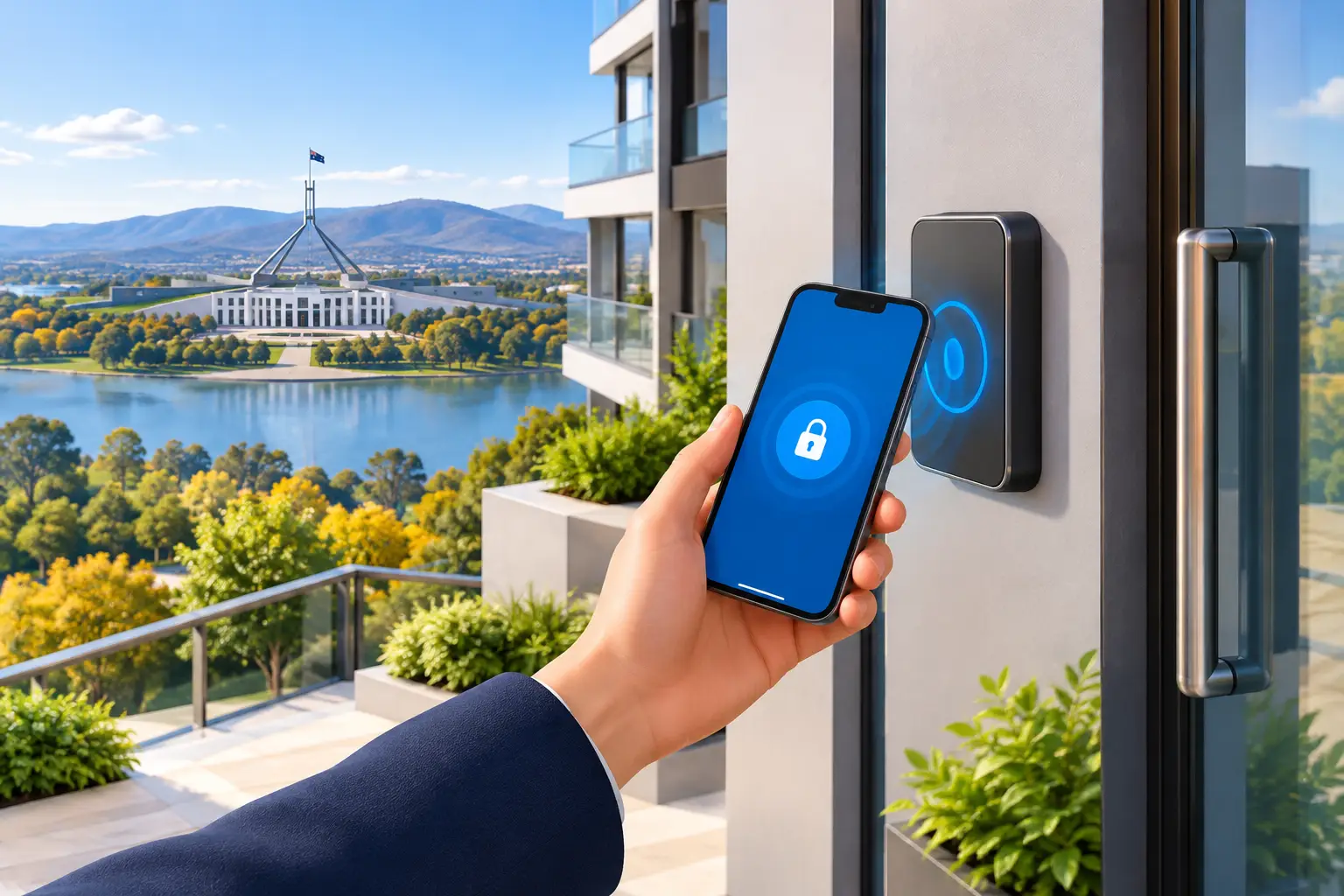
A lost staff key used to mean one clear job: cancel access, cut a replacement and consider whether the locks needed attention. Mobile credential adoption changes that process. Access can be removed from a phone-based credential in moments, often without collecting a physical key first. For offices, managed buildings and busy households, that is a genuine advantage – provided the system is selected, installed and managed properly.
A mobile credential lets an authorised person use their smartphone, and sometimes a smartwatch, to open a compatible door, gate, lift or secure area. Depending on the system, they may tap the reader, hold the device nearby or use an approved app. It is access control designed around something most people already carry.
Why mobile credential adoption is growing
Physical keys still have a place. They are familiar, affordable and do not run flat. But they can be copied, misplaced or passed between people without the property owner knowing. Traditional swipe cards and fobs give managers more control, yet they are another item for staff, tenants or contractors to remember.
A mobile credential can reduce that friction. New staff can receive access remotely, temporary access can be set to expire, and managers can see more clearly who has access to particular doors. This is useful for Canberra businesses with changing rosters, strata properties with shared facilities, and property managers coordinating trades across several sites.
The strongest benefit is not that a phone replaces every key. It is that access becomes easier to administer. If a contractor needs entry from 7 am to 4 pm on one day, their credential can be limited to those hours and the relevant doors. If an employee leaves, access can be withdrawn without waiting for a fob to be returned.
For homeowners, the appeal is often convenience. A family member can enter without carrying a house key, and selected visitors may be given controlled access where the system supports it. That said, a home does not need a highly complex system just because the technology is available. The right solution depends on the doors, the people using them and the level of security required.
Where mobile credentials make practical sense
Mobile access is most valuable where keys are regularly issued, collected and replaced. Offices, warehouses, medical practices, schools, strata common areas and short-term managed properties are common examples. In these settings, access rights can change frequently and an unaccounted-for key can create an ongoing risk.
It can also suit businesses that need different access levels. A cleaner may require entry to common areas after hours but not the records room. A manager may need access to the whole site. A mobile credential system can support those distinctions without creating a large keyring or relying on one shared PIN.
For a smaller business with one or two doors and a stable team, a quality restricted key system may still be the better choice. Restricted keys help control unauthorised duplication, are straightforward to use and do not rely on users having a charged phone. There is no single answer for every property.
The trade-offs to consider before moving access to phones
The phrase “keyless” can make a system sound simpler than it is. Mobile credentials reduce some problems, but they introduce other decisions. A sensible plan considers the technology, the people using it and what happens when normal conditions fail.
Phone batteries, lost devices and daily habits
A phone battery can go flat. Phones can be damaged, replaced or left at home. Some users may not own a compatible smartphone, while others may be uncomfortable using a personal device for workplace access. A well-planned system keeps an alternative available, such as a fob, card, PIN or mechanical key held under controlled conditions.
Do not treat the backup method as an afterthought. Test it. Make sure authorised people know what to do if their phone is unavailable at 6 am, after hours or during an urgent callout. The answer will differ between a family home, a small office and a multi-tenant commercial building.
Security depends on configuration
A phone is not automatically more secure than a key. The outcome depends on how the system is configured and maintained. Credentials should be issued to named users, removed promptly when access is no longer needed and protected by the device’s screen lock and appropriate app settings.
For higher-risk doors, consider stronger authentication requirements, door schedules and an audit trail. The system should also be matched to the physical door hardware. A sophisticated reader does little good if the door frame, strike, closer or locking hardware is weak, worn or incorrectly fitted.
Privacy and management responsibilities
Access logs can be useful when investigating a security incident or confirming contractor attendance. They also need to be handled responsibly. Business owners and building managers should be clear about what information is recorded, who can view it and how long it is retained.
Someone must own the administration of the system. If the only person who knows the login details leaves the business, access management can quickly become a problem. Set up more than one authorised administrator, keep handover records current and review permissions regularly.
Compatibility and future costs
Not every electronic lock or reader works with every mobile credential platform. Existing card readers may need replacing, and older doors can require hardware upgrades before electrified locking is suitable. There may also be ongoing licensing, cloud management or support costs.
Ask about these costs before committing. A cheaper system can become expensive if it is difficult to expand, cannot support the access rules you need or requires specialised support that is not readily available. Choosing proven equipment and professional installation usually costs less than correcting a poor setup later.
A sensible path to mobile credential adoption
Start with the access problem, not the app. Identify which doors need control, who needs entry, when they need it and what should happen when a person loses access. This gives you a practical scope instead of buying features that will never be used.
Next, inspect the physical doors and locking points. Fire and emergency egress requirements matter, particularly in commercial premises and shared buildings. Doors must allow safe exit, and any electronic access changes need to work with the building’s wider safety requirements. A licensed security professional can assess the door, lock, frame, power requirements and suitable reader location before equipment is ordered.
Then decide how credentials will be issued and backed up. For many sites, a mixed approach works best: mobile credentials for regular users, a limited number of fobs for contingency and controlled mechanical keys for emergency access. Keep a written process for onboarding, offboarding and lost devices. The process is what makes the technology reliable day to day.
Finally, introduce the system in stages if the property is large or the team is unfamiliar with electronic access. Begin with a lower-risk door or one group of users, collect feedback and resolve issues before extending it across the site. A short briefing on using credentials, reporting a lost phone and using the backup entry method can prevent avoidable lockouts.
Mobile access still needs good locksmithing
Electronic access control does not replace sound mechanical security. External doors still need suitable locks, properly aligned hardware and protection against forced entry. Internal security zones may still benefit from restricted keys, master key systems or physical barriers, depending on the building and its risks.
The best result is often a layered one. Mobile credentials handle day-to-day access management, while quality locks, door hardware and emergency procedures protect the property when technology is unavailable or an incident occurs. Night & Day Locksmiths can help Canberra property owners assess whether mobile access is appropriate and ensure the physical security around it is not overlooked.
Before replacing a keyring with phones, ask one practical question: if a person cannot use their mobile at the door, what happens next? A clear, secure answer is the foundation of an access system people can trust.